New AI video templates
Put your face in the story.
Pick a template, add 3 selfies for each character and get a video for TikTok, Reels and Shorts.
The new VJump is coming soon. Leave your email — get a free video at launch.
Made for TikTok · Reels · Shorts
How it works
Choose a template
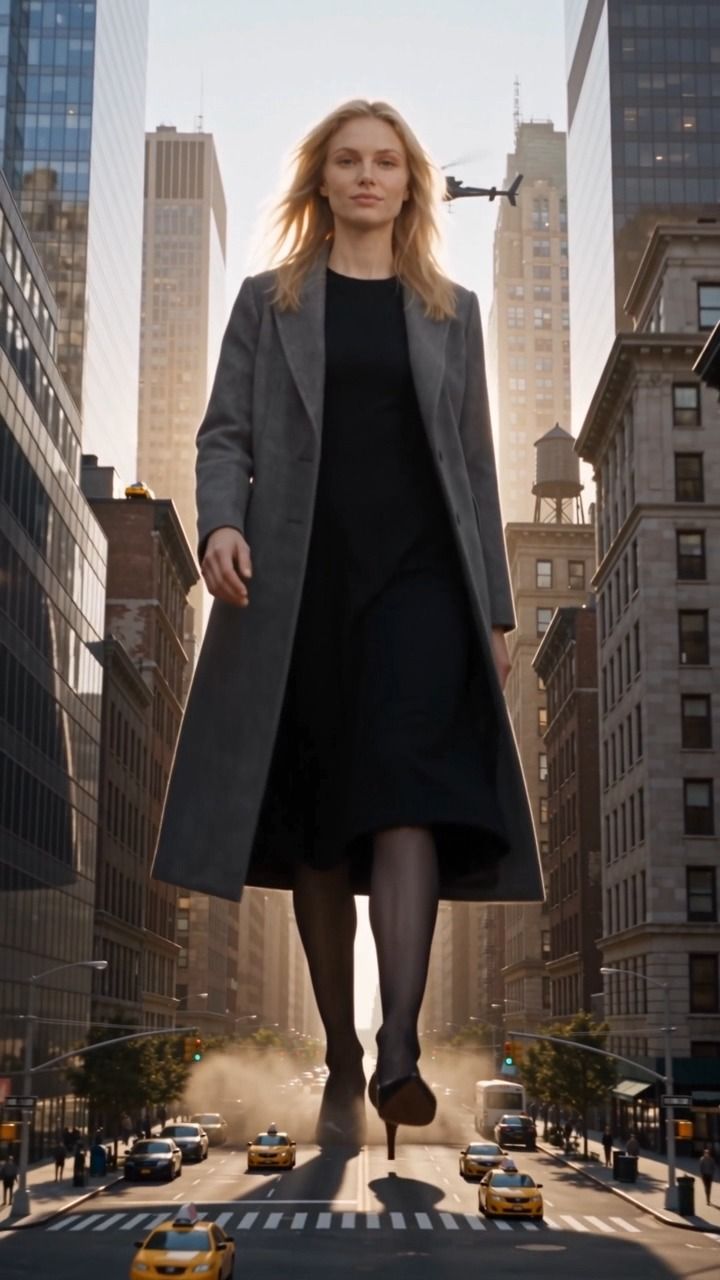
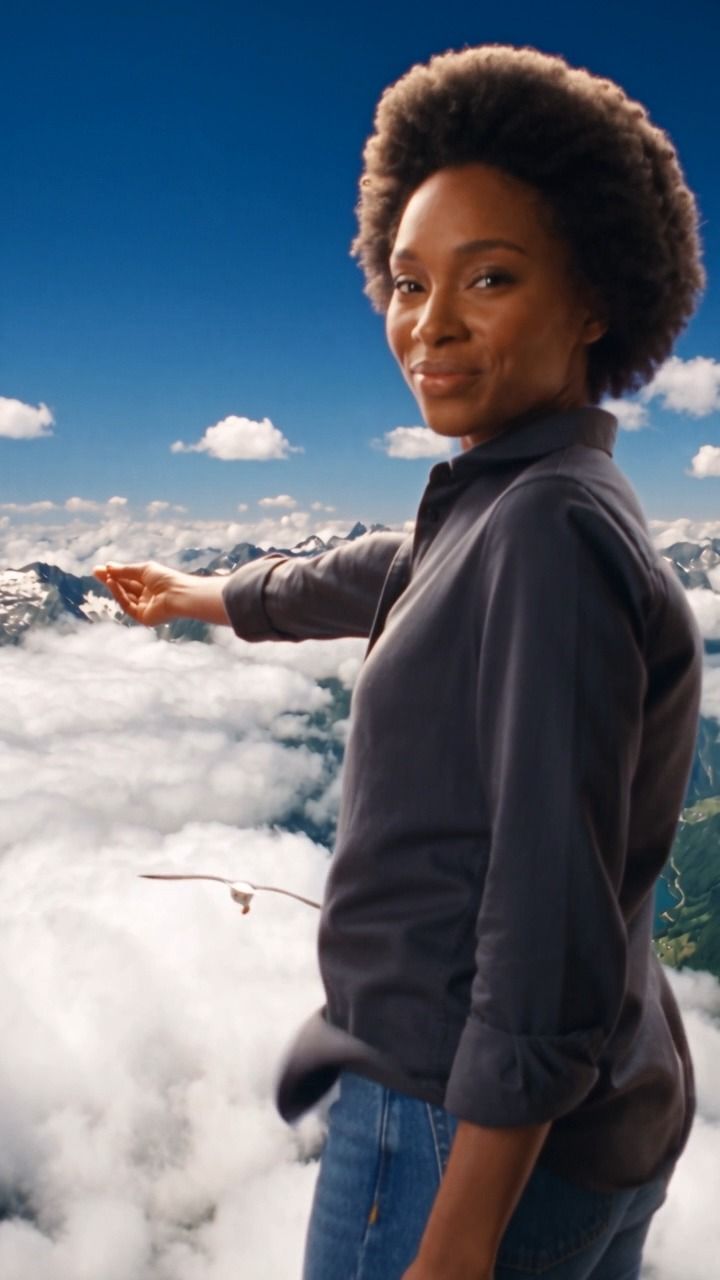
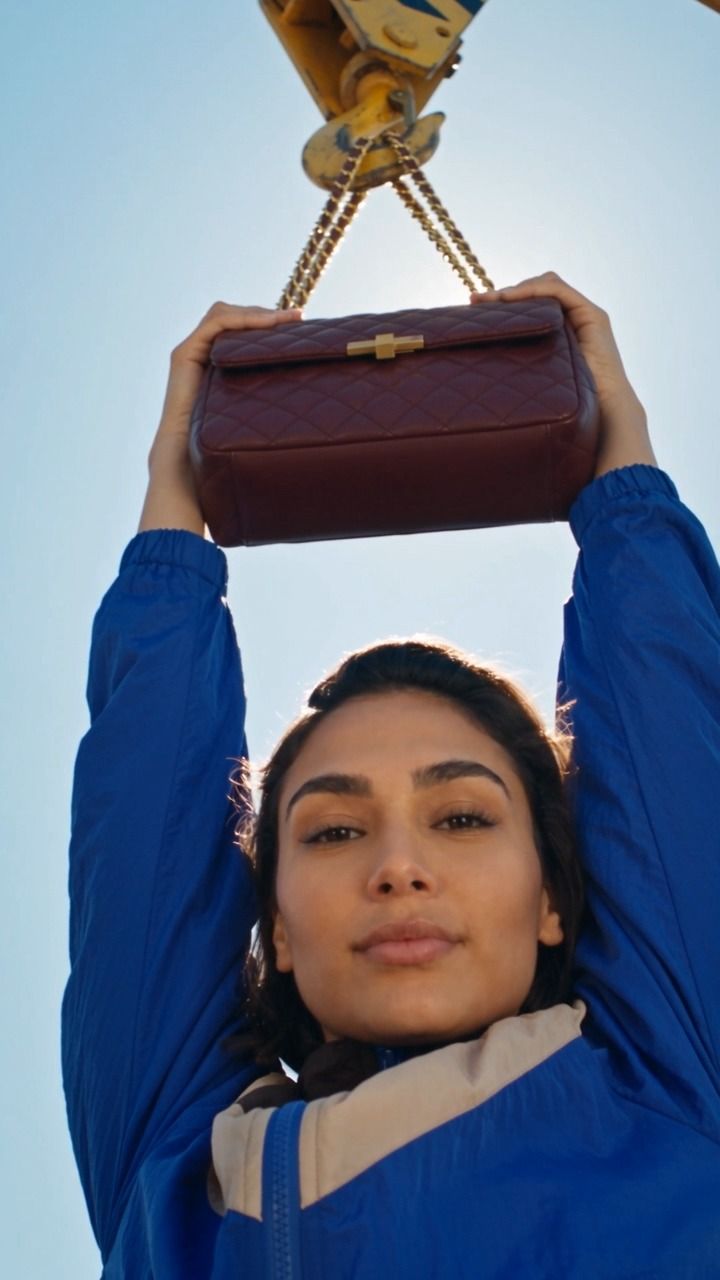
Browse ready-made AI stories and watch the preview before you order.
Upload 3 photos
For every character in the template: one front-facing photo and two at three-quarters.
Get your video
Vertical, up to 30 seconds, with music. Save it or post it to TikTok, Reels and Shorts.
Pick your story
Join the waitlist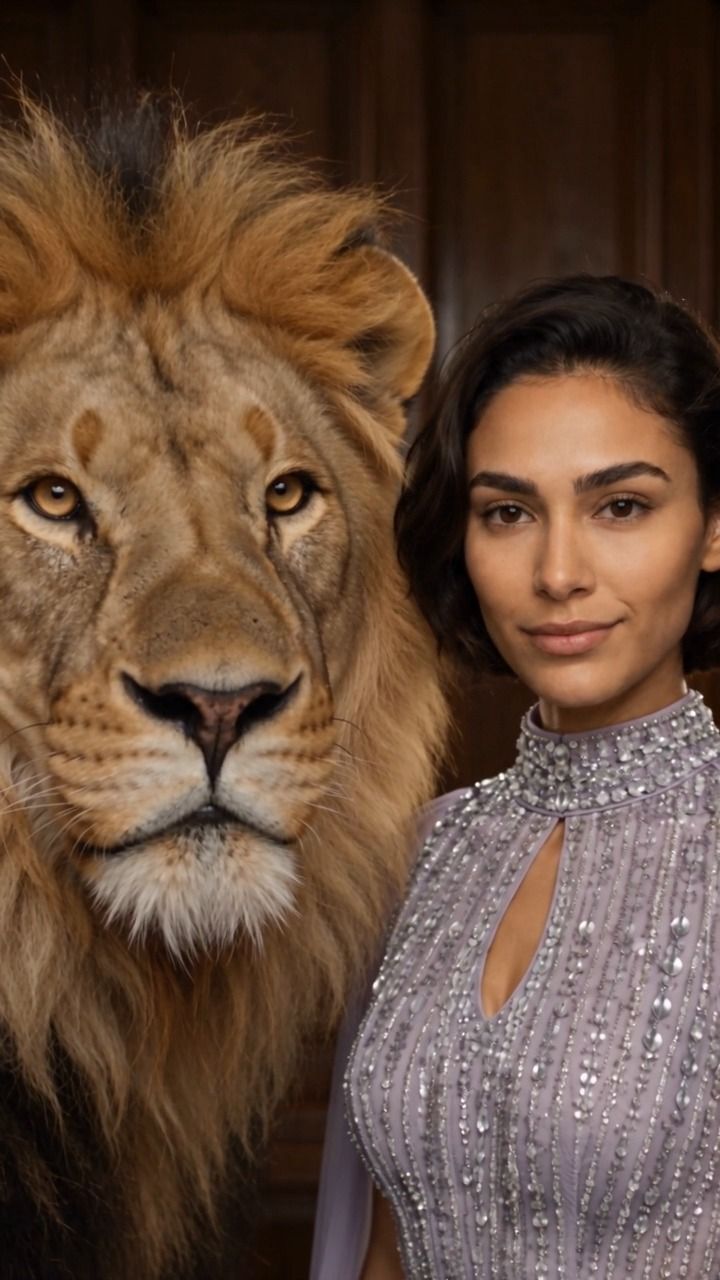


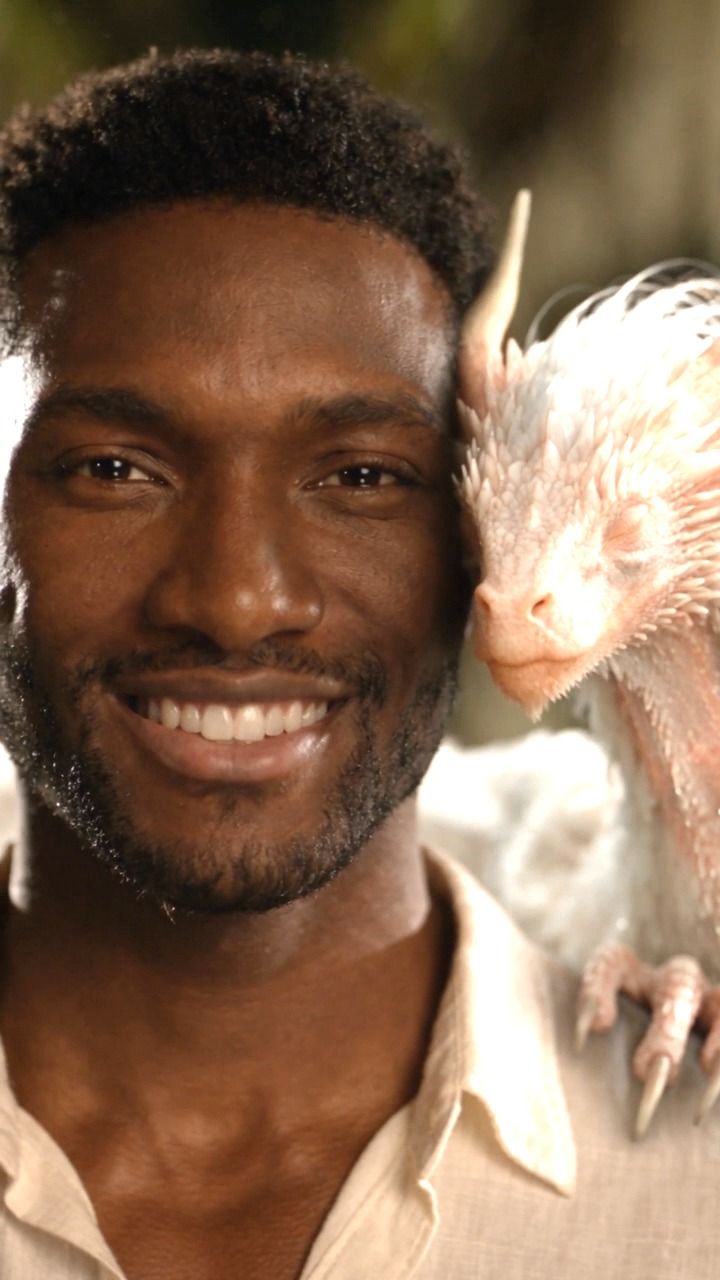



Why VJump
Real stories, not prompts
Every template is a finished story with scenes and music. You add the face, the rest is done.
No editing skills
No timeline and no settings. Pick, upload, done.
Several characters
Star together with your partner, friends or family.
Made for your feed
Vertical 9:16, up to 30 seconds — ready for TikTok, Reels and Shorts.
Latest articles
All articles


FAQ
How many photos do I need?
Three for each character in the template: one front-facing and two at three-quarters, turned left and right.
How long is the video?
Up to 30 seconds, vertical 9:16 — the format of TikTok, Reels and Shorts.
Can my kids or pets be in the video?
Yes. Templates can include children, babies, cats and dogs, and several characters at once.
Do I need editing skills?
No. The story, the scenes and the music are already in the template — you add the face.
When can I try the new templates?
The new VJump is coming soon. Join the waitlist and we’ll email you the day it’s out — your first video is free.
The new VJump is coming soon
New templates — put your face in the story. Leave your email and get a free video when the new version is out.

More video tools
TikTok transitions
- Car transition TikTok
- Cinematic transitions TikTok
- Clone effect TikTok
- Clone transition TikTok
- Clothes changes TikTok
- Clothes transition TikTok
- Easy transitions on TikTok
- Echo effect TikTok
- Face transition TikTok
- Finger snap transition TikTok
- Fire filter TikTok
- Flash effect on TikTok
- Hand transition TikTok
- Head turn transition TikTok
- High-quality video processing for TikTok
- Hoodie transition TikTok
- Lightsaber transition TikTok
- Makeup transition TikTok
- Mirror transition TikTok
- Outfit transition TikTok
- Out of body effect TikTok
- Shake effect on TikTok
- Silhouette challenge TikTok
- Smoke transition TikTok
- Smooth transitions on TikTok
- Snap transition TikTok
- Superpower effects TikTok
- Swipe transition TikTok
- TikTok bed transition
- TikTok fashion transitions
- TikTok food transitions
- TikTok green screen video effect
- TikTok hair transition
- TikTok jump transition
- TikTok portal effect
- TikTok stop motion effect
- TikTok transformation effect
- TikTok travel transition
- Vacation transition TikTok
- Zoom effect on TikTok
Video makers and editors
- Add effects to video
- Best wedding video maker: add video effects with VJump
- Boost Your Marketing with VJump Promo Video Maker
- Combine Your Best Moments with VJump Video Collage
- Convert Text to Video Using VJump's AI Tools
- Craft Long-Form Content with VJump, the Long Video Editing App
- Craft Perfect Video Outros with VJump Outro Maker
- Create Captivating Lyric Videos with VJump
- Create Educational Tutorials with VJump Video Maker
- Create Eye-Catching Stories with Instagram Story Templates VJump
- Create Fun Boomerang Videos with VJump
- Create Memorable Slideshows with VJump Slideshow Maker
- Create Videos with Business Video Maker
- Create Videos with Commercial Video Maker
- Create Videos with Facebook Video Editor
- Create Videos with Gaming Intro Maker
- Create Videos with Video Editor Instagram
- Create Videos with YouTube Video Editor
- Design Compelling Video Intros with VJump Intro Maker
- Design Invitations that Stand Out with VJump Video Maker
- Dynamic GIF Creation with VJump GIF Maker
- Edit Engaging Shorts with VJump Video Editor
- Effortlessly Remove Video Backgrounds with VJump
- Engage Audiences with VJump's Meme Video Templates
- Enhance Your Twitter Presence with VJump Video Maker
- Facebook Video Ad Maker
- Harness AI-Powered Video Generation with VJump
- Impress Your Audience with VJump Video Presentations
- Make Your Videos Stand Out by Blurring with VJump
- Produce Stunning Movies with VJump Movie Maker
- Professional Clip Making Simplified with VJump
- Remove Unwanted Objects from Videos with VJump
- Showcase Products Creatively with Product Video Maker VJump
- Stabilize Your Videos for a Professional Look with VJump
- The best birthday video maker: use the VJump app
- The Effortless Way to Create Captivating Loop Videos with VJump
- TikTok Video Ad Maker
- Transitions for videos
- Trim and Perfect Your Videos with VJump Video Trimmer
- Turn Pictures into Videos Seamlessly with VJump
- Use Green Screen Template in the Video Editor
- Use Motion Graphics Templates in the Video Editor
- Use Social Media Video Templates in the Video Editor
- Use TikTok Templates in the Video Editor
- Use Video Templates in the Video Editor
- Use YouTube Video Template in the Video Editor
- Video Editing app
- Video effects app
- VJump: Your Ultimate Lifestyle Videos Maker
- VJump Marketing Video Maker: Elevate Your Brand's Message
- YouTube Ads Maker